

Add or remove users
You add and remove users in the Billtrust workspace under Settings > Users. Adding a user creates their account and sets how much of Billtrust they can reach; removing a user takes their access away. This article covers both tasks and explains the two user access types you choose from when you add someone.
1. How do you add users?
- In the Billtrust workspace, select Settings > Users.
- Select Add User.
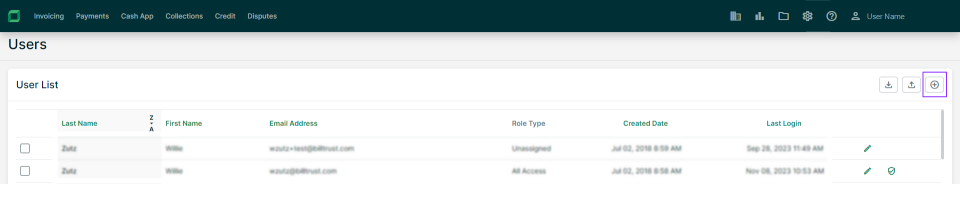
-
Enter the user's credentials:
-
First name
-
Last name
-
Email address
-
Language
-
Time zone
-
-
Set the user access type:
-
All Access allows access across applications
-
Role Based allows partial access based on assigned application roles. Learn more
-
-
Select Save.
2. How do you remove/delete users?
- In the Billtrust workspace, select Settings > Users.
- Select the checkbox alongside the name of the user you want to remove.
- Select Remove.
- Select Remove again to confirm.