

Manage dynamic reports in Collections
You can perform various administrative actions on your dynamic reports from the Reports section. Select Reports → Dynamic reports to get started.
Manage Report Access and Permissions
New dynamic reports are private by default. To share a report with other users, select the lock icon and then select OK. To revoke access, select the lock icon again.
Edit, Copy, or Delete Dynamic Reports
To edit a report:
Select the pencil icon in the Edit column and make your changes in the report builder.
Note: You cannot edit or delete another user’s reports, even when they are shared. You can copy shared reports and edit the copies you create.
To copy a report:
Select the double-sheet icon. Select the copied report to rename it.
To delete a report:
Select the trash can icon, then select OK.
Note: Contact the Billtrust Support team to delete dynamic reports belonging to deactivated users.
Add Labels to Dynamic Reports
Labels group reports by function, making them easier to find.
To create a label:
- Select New label (+) from the left menu. The Create label dialog opens.
- Enter a label name and select Create label.
To apply a label to reports:
- Select the reports you want to label.
- Hover over Label all selected reports and select your label from the list.
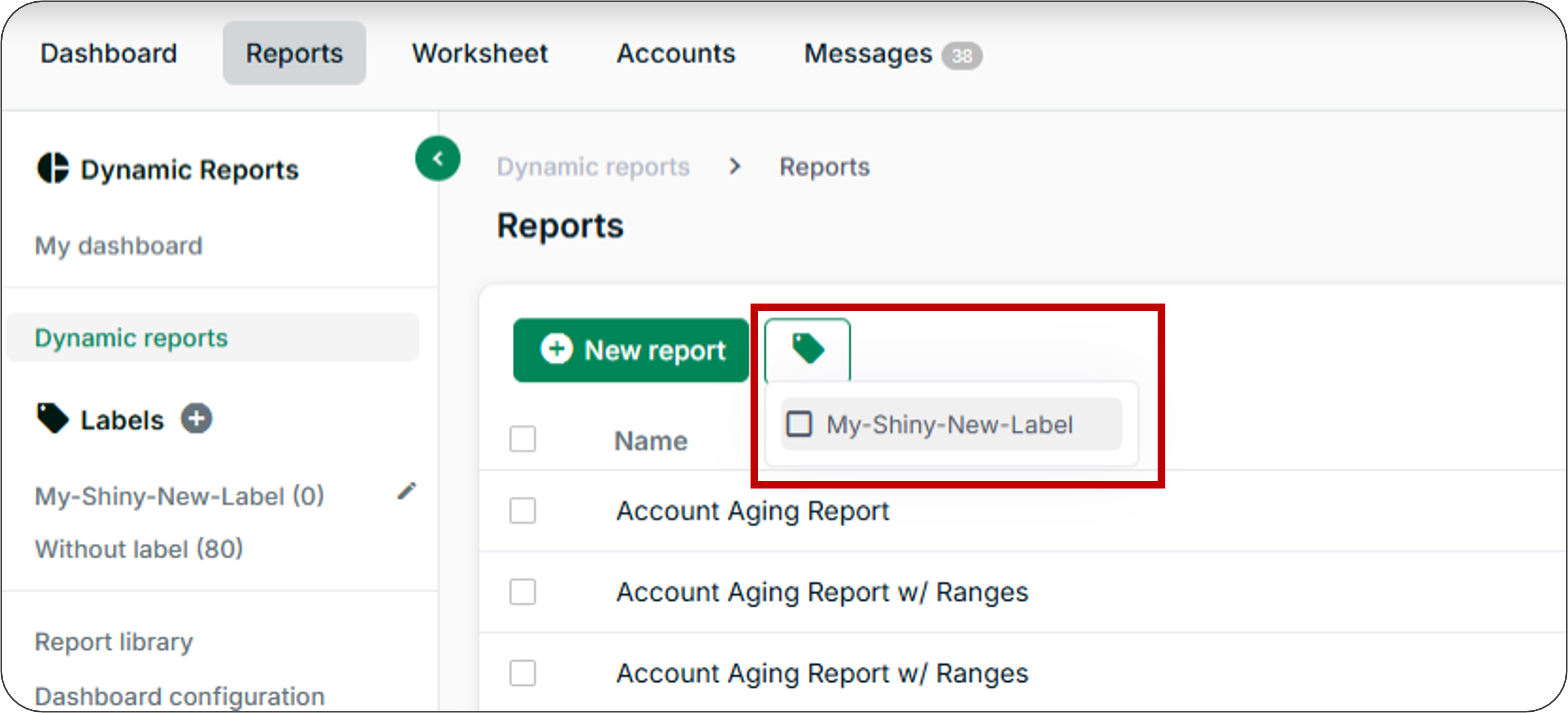
Select a label from the left menu to view only reports with that label. To edit or delete a label, hover over it and select Edit or Delete from the context menu.
Download Dynamic Reports
Select CSV or XLSX in the Download column to export a report in those formats. Select the dropdown arrow to download in additional formats: TSV, HTML, SQL, and XML.
Sort or Search the Reports List
- Select Name to sort reports in A to Z or Z to A order.
- Use the search field to find reports by keyword.
Related Articles
- Create Dynamic Reports
- Use Advanced Columns in Dynamic Reports
- Add Complex Filters to Dynamic Reports
- Download Prebuilt Dynamic Reports
- Download Basic Reports
- Configure Dashboards
Need Help?
If you cannot delete a report belonging to a deactivated user, contact the Billtrust Support team. For other report management issues, confirm that you own the report before attempting to edit or delete it.