Contact Billtrust Customer Support
Can't find the answer you're looking for? Get help fast, in the channel you prefer.
Create a Support case
Select the chat bubble in the lower right corner of your screen to engage Trusty, our AI-powered virtual assistant, no login required. If Trusty can’t fully resolve your issue, it will automatically create a support case with the details you’ve provided — no need to retype anything.
When opening a case, be sure to choose the correct severity level:
-
- Severity 1 indicates a critical production issue such as data integrity errors or a system outage for which no workaround exists. Severity-1 cases have a 24/7 one-hour initial response SLA.
- Severity 2 indicates major functionality impacts or persistent performance degradation for which no workaround exists. This category also includes time-sensitive requests related to data processing and tenant implementation.
- Severity 3 indicates routine technical issues such as bugs that affect only a few users. Workarounds may exist.
Call us
To speak directly with a support specialist, call (855) 950‑2525 between 8 a.m. and 8 p.m. ET on business days.
Manage cases in the Support portal
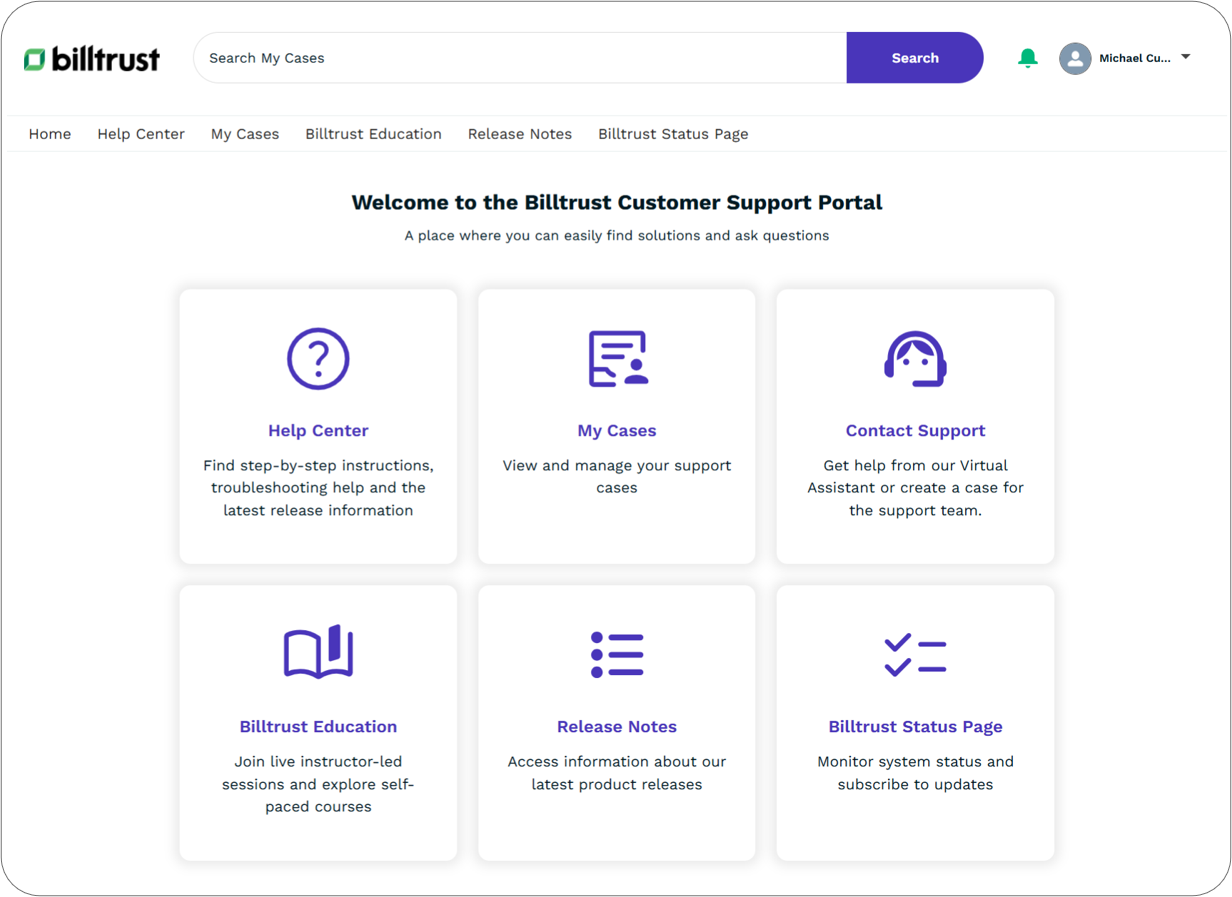
The Support portal centralizes our customer service functions, putting them in one convenient place. Here authenticated users can access the following self-service resources:
- Help Center
- Your source for how-to documentation. Find step-by-step instructions, FAQs, and best practices for every product in the Billtrust ecosystem. You can access the Help Center any time, no login required, at help.billtrust.com
- My Cases
- View, manage, or escalate your open cases. Learn more about managing support cases
- Contact Support
- Select this tile to launch our virtual assistant. If the assistant can't solve your issue, it will create a support case using the information you entered. Tips for chatting with our assistant:
-
-
Use conversational language and short, focused prompts.
-
Include relevant details and keywords such as feature names or error codes.
-
Ask one question at a time.
-
- Billtrust Education
- Deepen your product knowledge with instructor-led sessions and self-paced training courses. Don't have an account with Billtrust Education? Send an email to customeredu@billtrust.com. Include your name, company, and any products related to your inquiry.
- Release Notes
- Find the latest information about improvements, bug fixes, and important new features.
- Billtrust Status Page
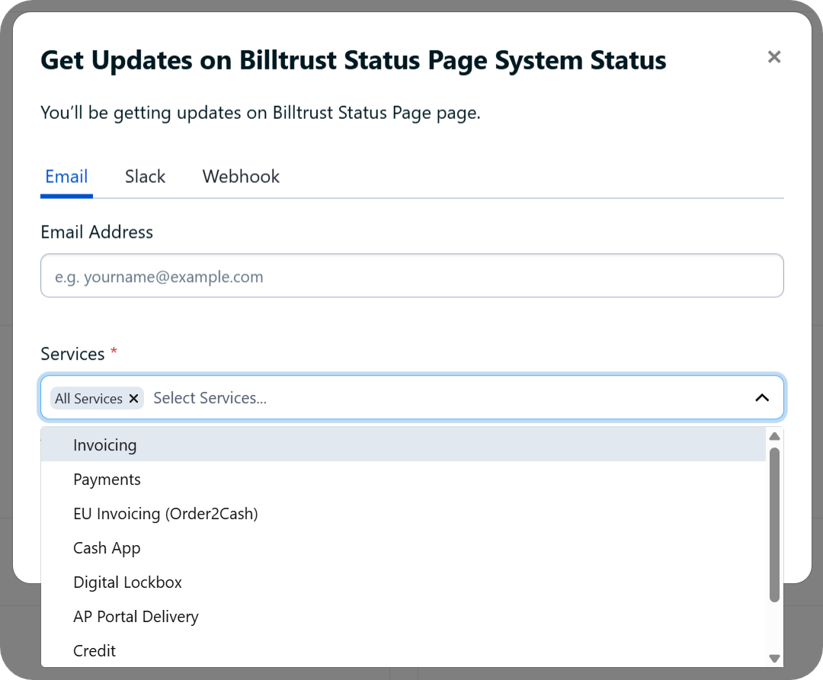
- Visit statuspage.billtrust.com to monitor system disruptions, review incident history, and receive updates via email, Slack, or webhook. Receive notifications on a product-by-product basis and unsubscribe at any time.